

Photography
A set of rules and principles for selecting, creating, and using photographs across the product or brand to maintain a cohesive visual language.

Table of Contents
Principles
Composition & Focus
Sizing
Lighting & Color
Best Practices
Principles

Informative
Imagery should be useful and easy to understand, helping convey a clear and consistent story.

Approachable
Include people in photography whenever possible to foster relatability, approachability, and empathy.

Authentic
Images should feel natural and genuine, not like stock photos. They should promote trust, credibility, and peace of mind, while remaining inclusive and representative of the broad range of Spokeo users.
Composition & Focus
Framing
Centered
Center the subject to create a balanced composition with even visual weight.
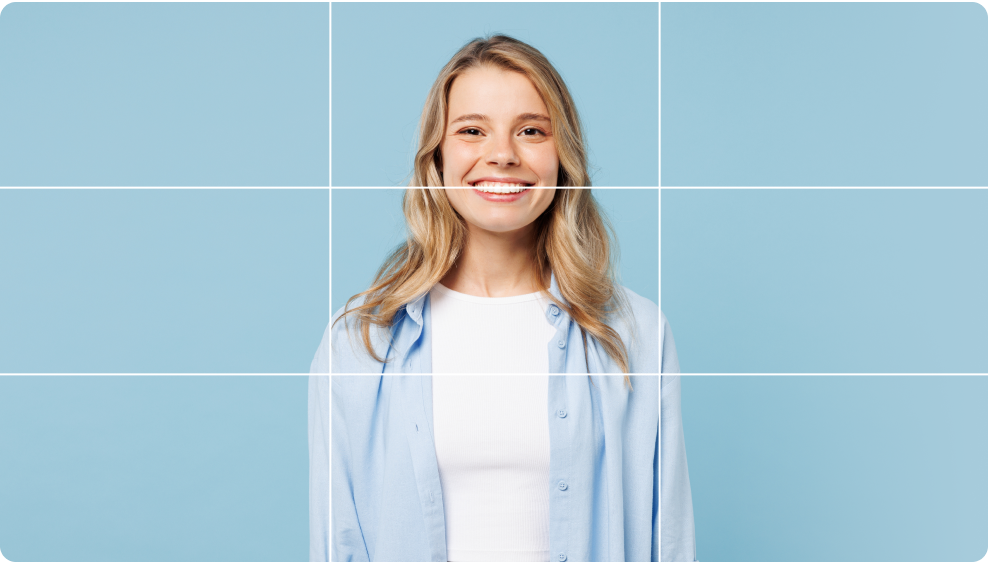
Recommended default alignment for all images
Rule of Thirds
Place the subject on the left or right third of the frame to create a balanced composition with additional negative space.

Recommended for hero images
Cropping and Aspect Ratio
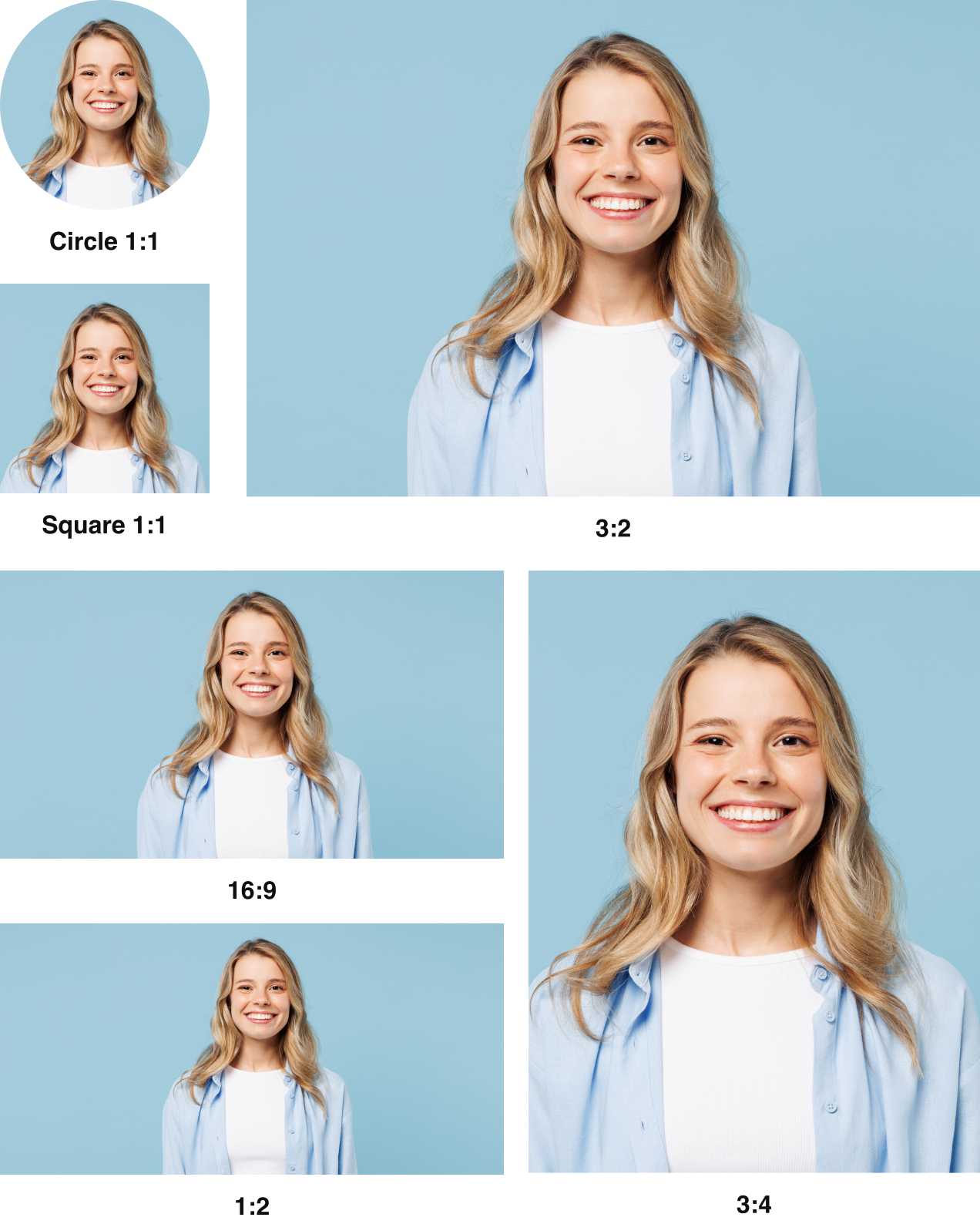
Image Quality
Image Compression
Use tools like ImageOptim to compress images and reduce file size.
Always compress photos before handing them off for development, as compression is vital to usability and a strong user experience. It improves page load times and supports SEO performance.
We recommend compressing JPEG and PNG files at 90% quality or higher, and exporting images at 2x to avoid pixelation on higher-resolution devices.
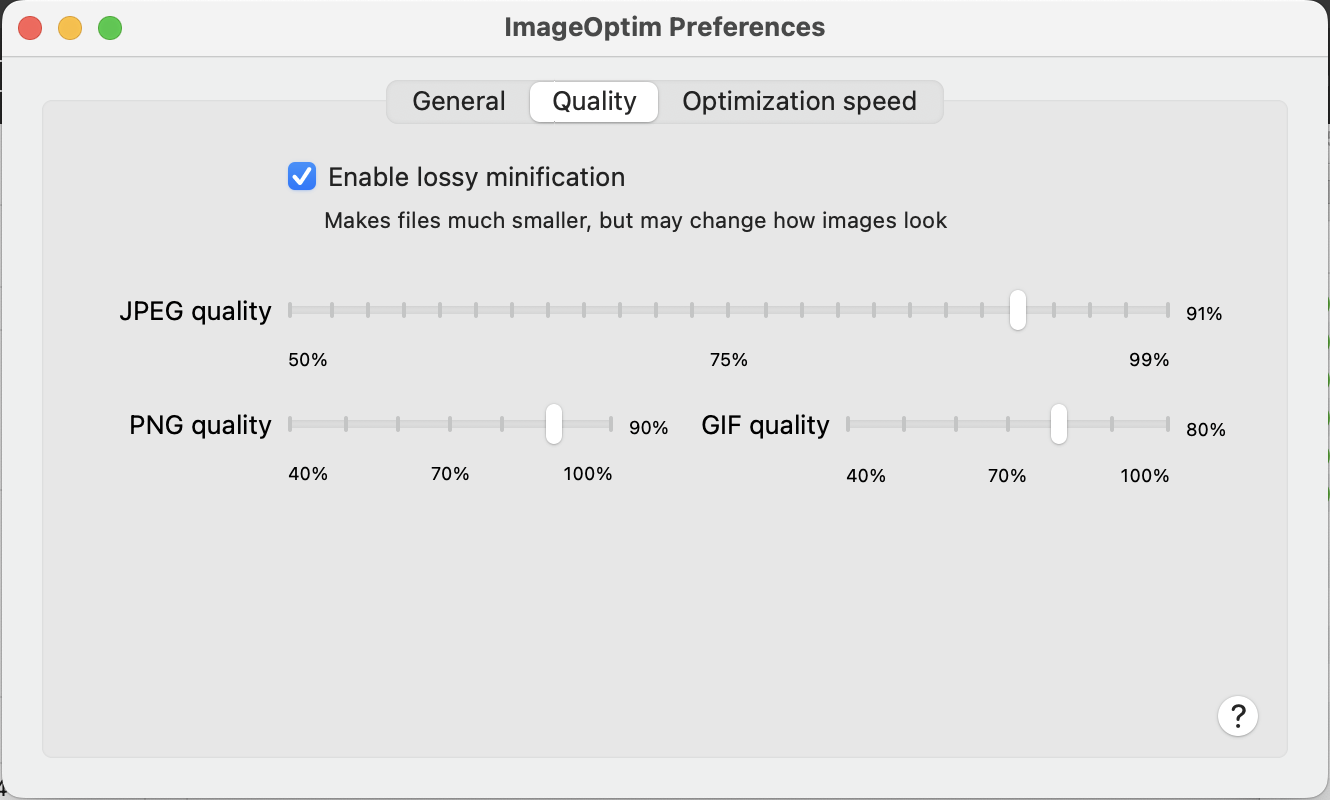
Example: ImageOptim preferences
Image File Formats
We recommend the following file types based on use case:
Requirements
Suggested Format
Transparency
PNG, SVG
Photos
JPEG
Quality printing
PDF, EPS, AI
Icons, vectors, illustrations
SVG
Animation
GIF, MOV
If you’re unsure which file type will result in the smallest file size, test multiple formats. Once exported, select the option with the lowest weight that still meets our quality standards.
Lighting & Color
Natural Lighting
We use natural lighting to ensure our images feel authentic, warm, and true to life, avoiding the artificial or overly staged looks that can diminish trust and credibility.




Warm Color
We use warm colors to create a sense of comfort, approachability, and trust, helping users feel at ease while reinforcing Spokeo’s friendly and reliable brand identity.




Best Practices



Do: Make sure each photograph feels like a real picture of a real person
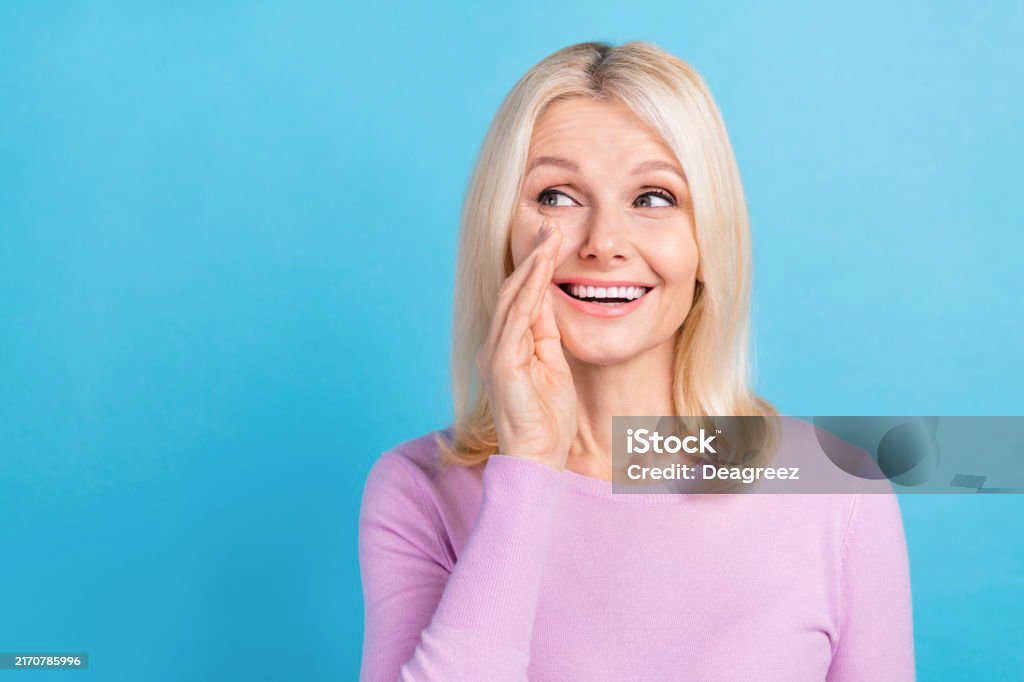


Don’t: Choose photos that look like stock images, appear staged, or feel like marketing materials


Don’t: Choose photos that have additional elements or graphics overlaid on top of them

Don’t: Choose photos that are overly crowded with too many subjects

Don’t: Choose photos with busy or distracting patterns
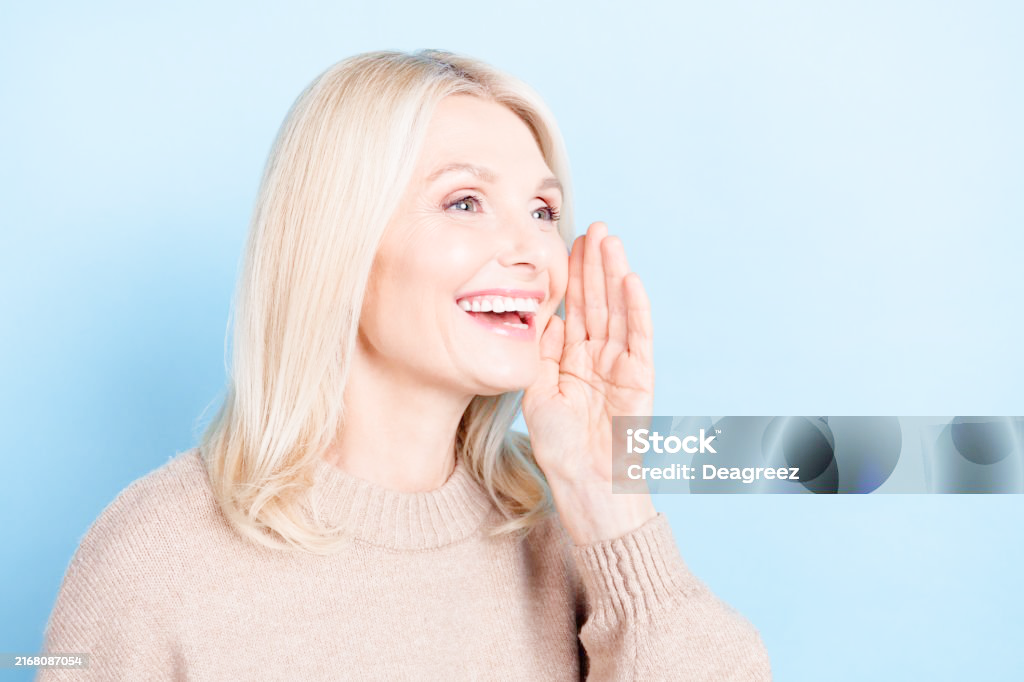
Don’t: Overexpose images or use photos that lack contrast

Don’t: Choose photos with too many light tones that can be easily overexposed
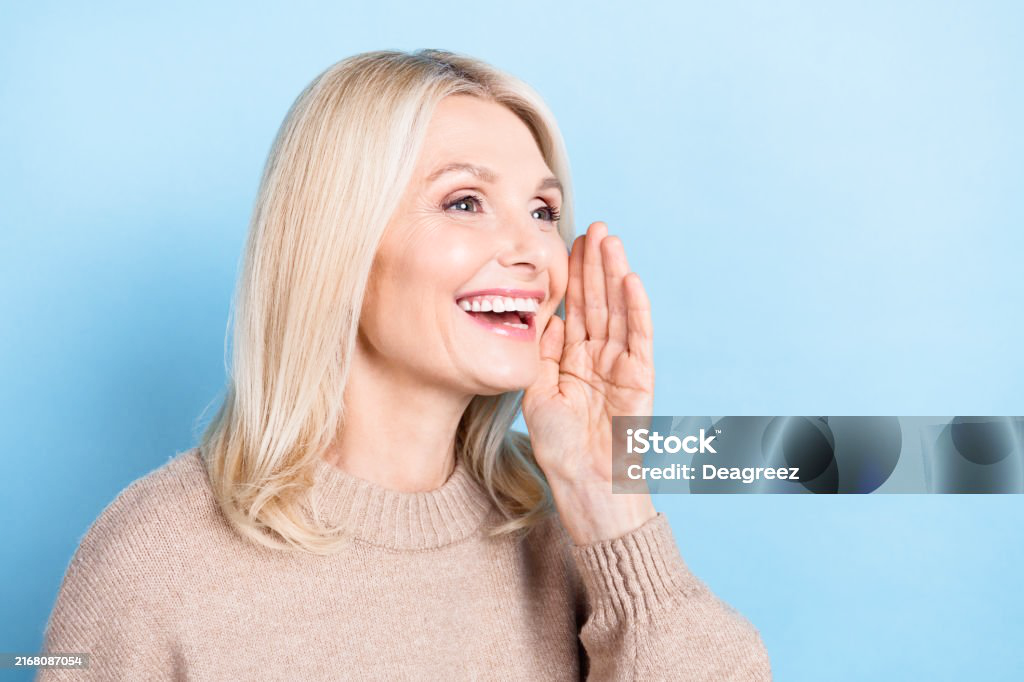
Don’t: Apply too many gradient effects that can make the photo feel unnatural
Don’t: Crop the top of a person’s head
Don’t: Place the subject outside of the rule of thirds

Do: Use 2:1 aspect ratio for blog images
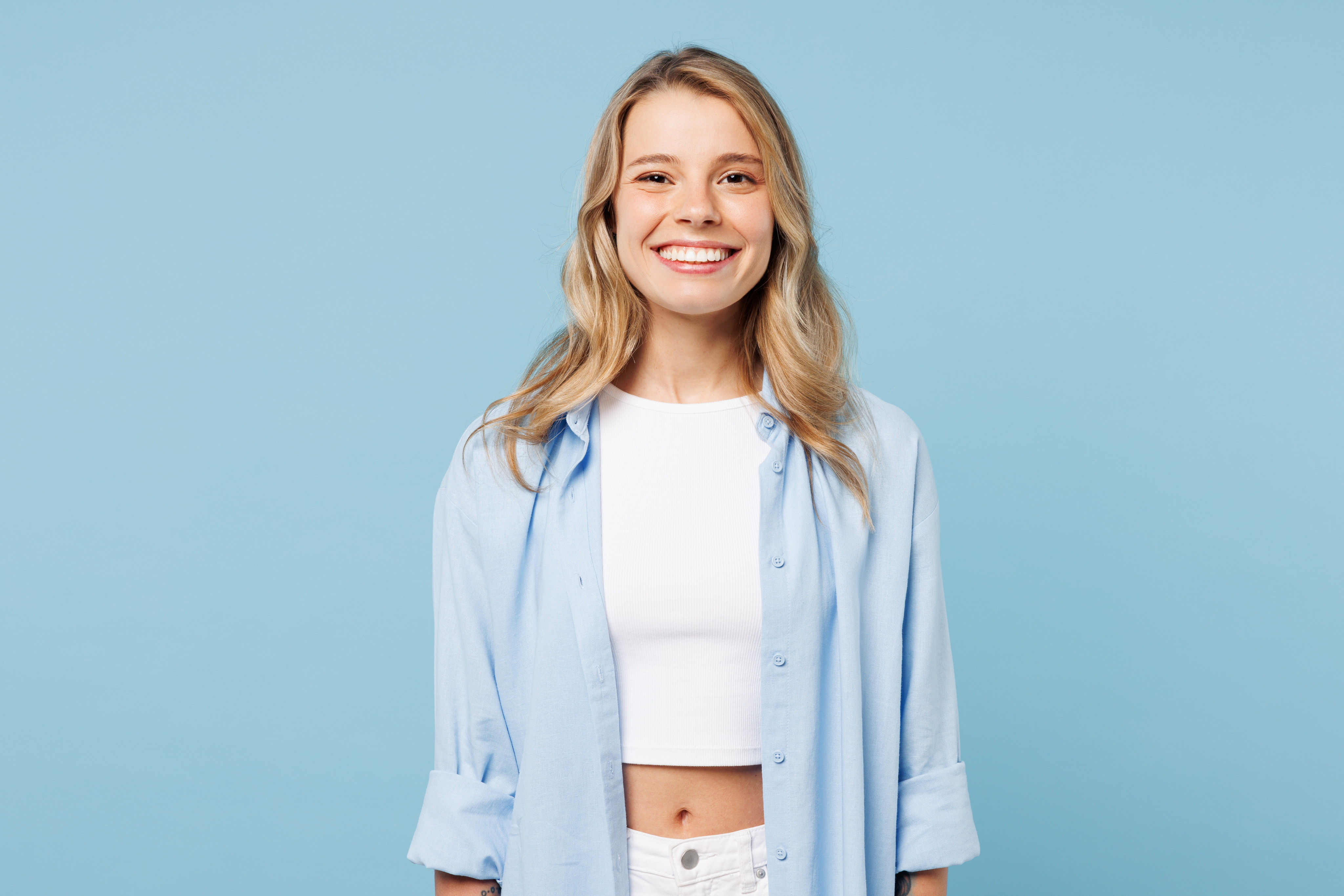
Do: Use circle 1:1 aspect ratio for avatars
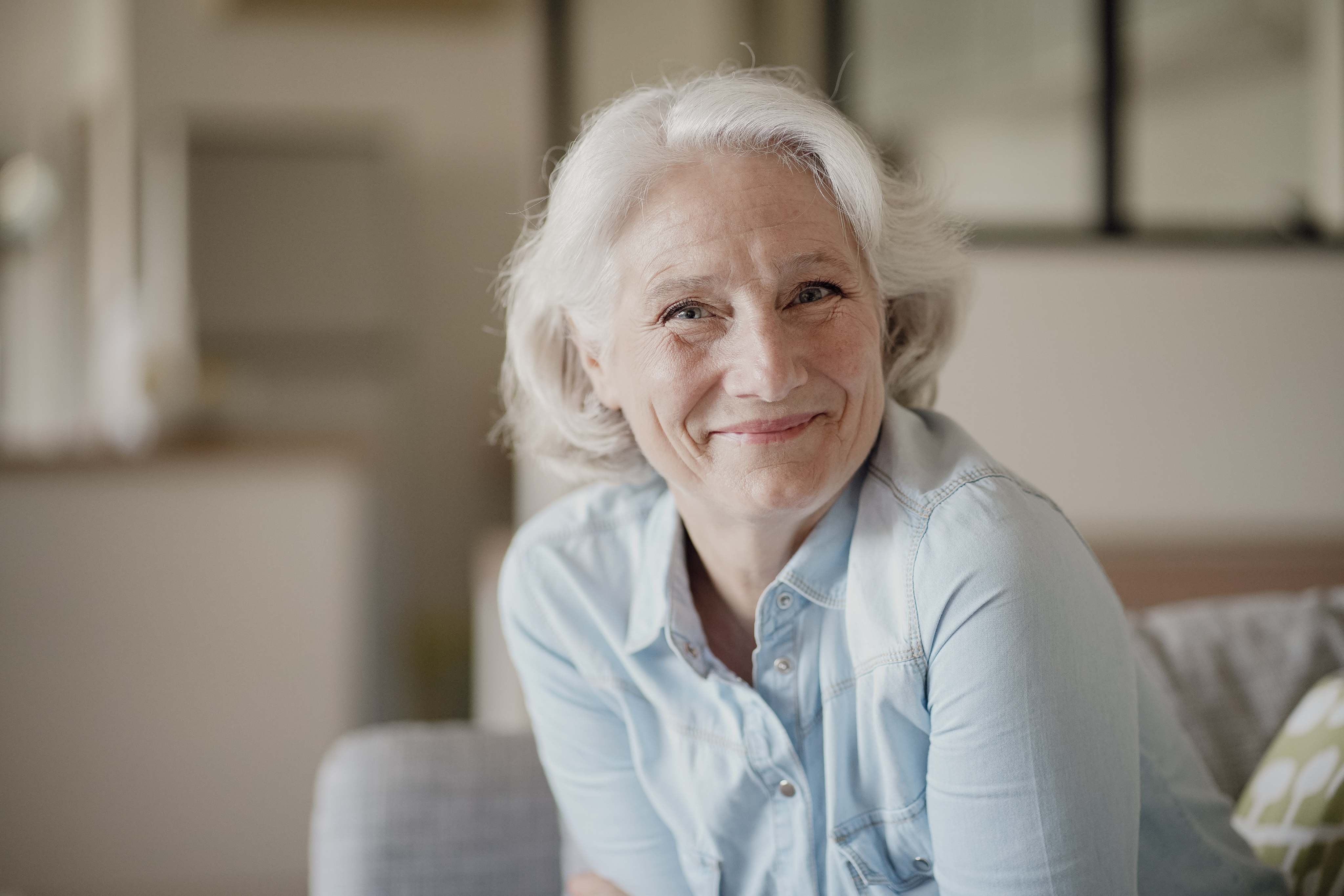
Do: Export images at the lowest file size without compromising quality

Don’t: Heavily reduce the image quality and cause pixelation


Contact Us
Terms
Privacy Policy
Copyright © 2006-2025 Spokeo, Inc.


Photography
A set of rules and principles for selecting, creating, and using photographs across the product or brand to maintain a cohesive visual language.


Table of Contents
Principles
Informative
Imagery should be useful and easy to understand, helping convey a clear and consistent story.
Approachable
Include people in photography whenever possible to foster relatability, approachability, and empathy.
Authentic
Images should feel natural and genuine, not like stock photos. They should promote trust, credibility, and peace of mind, while remaining inclusive and representative of the broad range of Spokeo users.
Composition & Focus
Framing
Centered
Center the subject to create a balanced composition with even visual weight.
Recommended default alignment for all images
Rule of Thirds
Place the subject on the left or right third of the frame to create a balanced composition with additional negative space.
Recommended for hero images
Cropping and Aspect Ratio
Image Quality
Image Compression
Use tools like ImageOptim to compress images and reduce file size.
Always compress photos before handing them off for development, as compression is vital to usability and a strong user experience. It improves page load times and supports SEO performance.
We recommend compressing JPEG and PNG files at 90% quality or higher, and exporting images at 2x to avoid pixelation on higher-resolution devices.
Example: ImageOptim preferences
Image File Formats
We recommend the following file types based on use case:
Requirements
Suggested Format
Transparency
PNG, SVG
Photos
JPEG
Quality printing
PDF, EPS, AI
Icons, vectors, illustrations
SVG
Animation
GIF, MOV
If you’re unsure which file type will result in the smallest file size, test multiple formats. Once exported, select the option with the lowest weight that still meets our quality standards.
Lighting & Color
Natural Lighting
We use natural lighting to ensure our images feel authentic, warm, and true to life, avoiding the artificial or overly staged looks that can diminish trust and credibility.
Warm Color
We use warm colors to create a sense of comfort, approachability, and trust, helping users feel at ease while reinforcing Spokeo’s friendly and reliable brand identity.
Best Practices

Do: Make sure each photograph feels like a real picture of a real person

Don’t: Choose photos that look like stock images, appear staged, or feel like marketing materials

Don’t: Choose photos that have additional elements or graphics overlaid on top of them
Don’t: Choose photos that are overly crowded with too many subjects
Don’t: Choose photos with busy or distracting patterns
Don’t: Overexpose images or use photos that lack contrast
Don’t: Choose photos with too many light tones that can be easily overexposed
Don’t: Apply too many gradient effects that can make the photo feel unnatural
Don’t: Crop the top of a person’s head
Don’t: Place the subject outside of the rule of thirds
Do: Use 2:1 aspect ratio for blog images
Do: Use circle 1:1 aspect ratio for avatars
Do: Export images at the lowest file size without compromising quality
Don’t: Heavily reduce the image quality and cause pixelation

Contact Us
Terms
Privacy Policy
Copyright © 2006-2025 Spokeo, Inc.